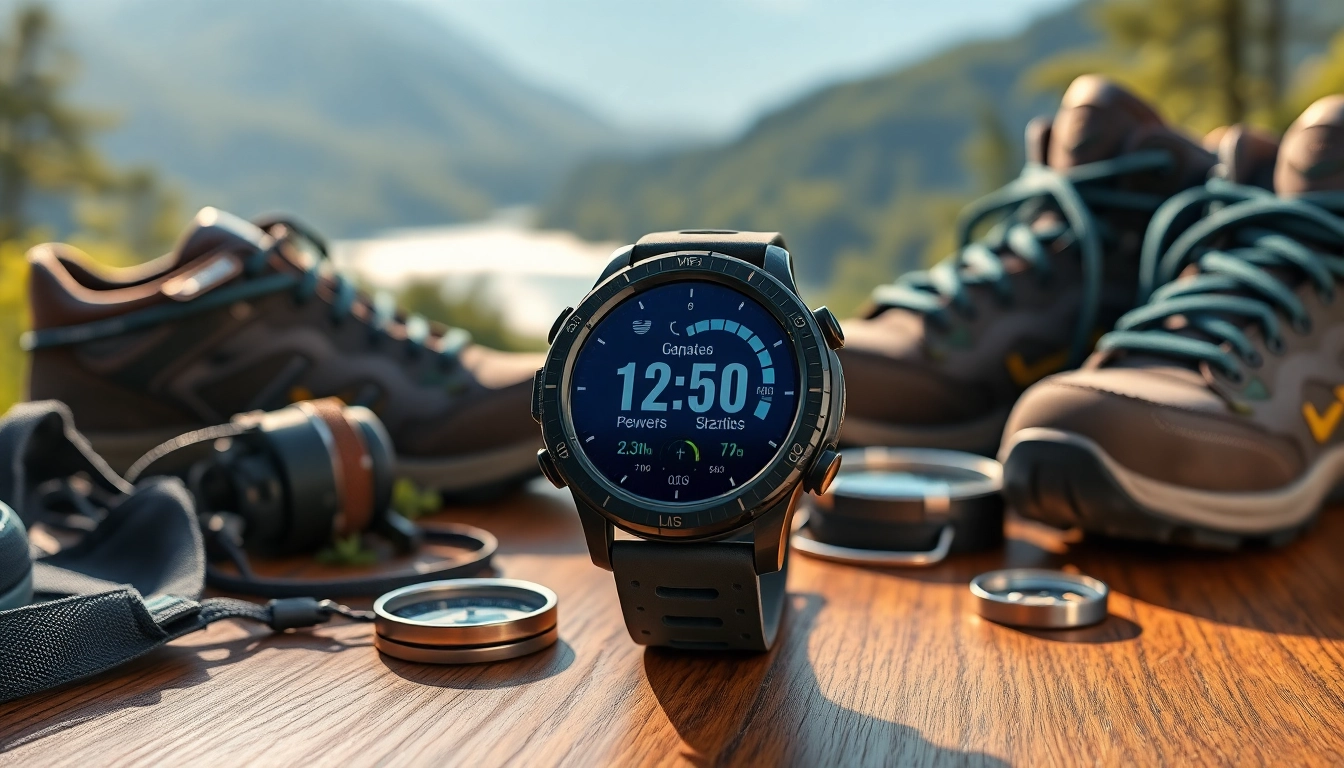
Introduction to the Explorer Plus GPS Smart Watch
The Explorer Plus GPS Smart Watch represents an innovative leap in wearable technology, designed specifically for those who seek to enhance their outdoor adventures while keeping track of their health and fitness goals. This comprehensive device combines the functionality of a GPS navigator with advanced health monitoring features, making it an indispensable tool for outdoor enthusiasts, fitness advocates, and tech-savvy individuals alike.
Overview of Key Features
The Explorer Plus GPS Smart Watch boasts an array of features tailored for diverse user needs. Its GPS capabilities provide accurate geographical navigation, while its fitness tracking features monitor vital health metrics such as heart rate, step count, and calories burned. Additional functionalities include notifications for calls and messages, customizable watch faces, and weather updates—ensuring users are well-equipped whether hiking in the mountains or running in the park.
Target Audience and User Needs
The primary target audience for the Explorer Plus GPS Smart Watch includes outdoor adventurers, fitness enthusiasts, and tech-savvy users seeking a holistic solution for both navigation and health tracking. These users prioritize reliability, functionality, and durability in a device that can withstand the rigors of outdoor activities. By understanding these needs, the Explorer Plus GPS Smart Watch caters directly to the lifestyle of modern explorers.
Technological Specifications
- Display: 1.5-inch full-color touch screen
- GPS Accuracy: Advanced satellite positioning for precise navigation
- Health Sensors: Optical heart rate, SpO2 monitor, sleep tracking
- Battery Life: Up to 10 days on regular use
- Compatibility: Works seamlessly with Android and iOS devices
- Water Resistance: Rated IP68, suitable for swimming and rain exposure
Benefits of Using the Explorer Plus GPS Smart Watch
Health and Fitness Tracking
One of the standout features of the Explorer Plus GPS Smart Watch is its robust health and fitness tracking capabilities. The device not only tracks steps and distance but also monitors essential health metrics such as heart rate and sleep patterns. This comprehensive tracking enables users to set and achieve fitness goals effectively. For those wanting to optimize their workout sessions, the watch provides real-time data, allowing for adjustments based on performance metrics.
Navigation and Location Services
The Explorer Plus GPS Smart Watch excels in providing reliable navigation and location services. With built-in GPS, users can easily find their way in unfamiliar terrain, making it ideal for hikers, cyclists, and outdoor adventurers. The watch includes features like route tracking and waypoints, allowing users to explore new paths and revisit favorite hikes with ease. Its offline maps capability ensures that navigation remains accessible even in the most remote locations.
Long Battery Life Advantages
Battery life poses one of the significant challenges for wearable technology, but the Explorer Plus GPS Smart Watch addresses this concern with impressive longevity. With its optimized power management system, users can enjoy up to 10 days of battery life under typical usage. This extended battery performance is particularly beneficial for those embarking on multi-day trips where charging opportunities may be scarce.
How to Set Up Your Explorer Plus GPS Smart Watch
Initial Configuration Steps
Setting up your Explorer Plus GPS Smart Watch is a seamless process. Begin by charging the watch fully using the included magnetic charging cable. Once charged, power on the device by pressing and holding the power button. Follow the on-screen prompts to select your preferred language and configure basic settings, such as time and date.
Connecting to Your Smartphone
To unlock the full potential of the Explorer Plus GPS Smart Watch, connecting it to your smartphone is essential. Download the dedicated companion app available for both Android and iOS. Once installed, open the app and ensure Bluetooth is enabled on your smartphone. Follow the in-app instructions to pair the devices, allowing for notifications, data synchronization, and additional functionality.
Customizing Settings for Optimal Use
Once connected, users can customize the settings of their Explorer Plus GPS Smart Watch according to personal preferences. Explore the app's various options to set health goals, adjust notification settings, and select preferred watch faces. Tailoring these features enhances the overall user experience, making the device function uniquely for each individual.
Troubleshooting Common Issues
Connection Problems
Connection issues between the Explorer Plus GPS Smart Watch and a smartphone can be frustrating. Ensure that both devices have Bluetooth enabled and are within a short distance of each other. Restarting both devices can also resolve connection problems. If issues persist, consider uninstalling and reinstalling the companion app.
Battery Performance Issues
If you experience unexpected battery drain on your Explorer Plus GPS Smart Watch, review the usage settings. Features such as continuous heart rate monitoring and frequent GPS tracking can deplete the battery quickly. Adjust settings to optimize battery life, including disabling features that aren't in use.
Accuracy of Fitness Tracking
For best results in fitness tracking, ensure that the watch fits snugly on your wrist. Loose fittings can compromise sensor accuracy. Calibration of metrics through the companion app can enhance tracking performance. If discrepancies occur, consider comparing results with another reliable source.
Frequently Asked Questions
1. How waterproof is the Explorer Plus GPS Smart Watch?
The Explorer Plus GPS Smart Watch has an IP68 rating, making it resistant to water and suitable for swimming and exposure to rain.
2. Can I use the Explorer Plus GPS Smart Watch without a smartphone?
Yes, the watch can function independently, but features like notifications and data syncing require a connection to a smartphone.
3. What fitness metrics can the Explorer Plus GPS Smart Watch track?
It tracks a range of metrics including heart rate, steps taken, calories burned, distance traveled, and sleep quality.
4. How long does the battery last under regular use?
Under regular usage conditions, the battery can last up to 10 days, depending on active features.
5. Is the Explorer Plus GPS Smart Watch compatible with both Android and iOS?
Yes, the watch is compatible with both Android and iOS devices, allowing for versatile connectivity options.